Blog ·
How to Hide Desk Cords for a Calm, Clutter-Free Workspace
This post contains affiliate links. As an Amazon Associate I earn from qualifying purchases, at no extra cost to you. Learn more.

You can have the prettiest lamp, the softest desk mat and a perfectly styled shelf, but if there's a tangle of cords spilling off the back of your desk, your home office will still feel chaotic. Cables are one of the biggest sources of visual clutter in a work from home setup, and the good news is that they're also one of the easiest to fix.
Here's a simple, step-by-step approach to hiding desk cords so your workspace feels calm, tidy and cozy.
Step 1: Unplug everything and take inventory
Before buying anything, unplug every device on and around your desk. Lay the cords out and ask three questions:
- Do I actually use this? Old chargers and mystery cables can go.
- Is it the right length? A cord that's far too long creates loops and tangles.
- Could this go wireless? A wireless mouse, keyboard or phone charger removes cords entirely.
Label the plug end of each cord with a small tag or a strip of washi tape. Future you will be grateful.
Step 2: Hide the power strip in a cable box
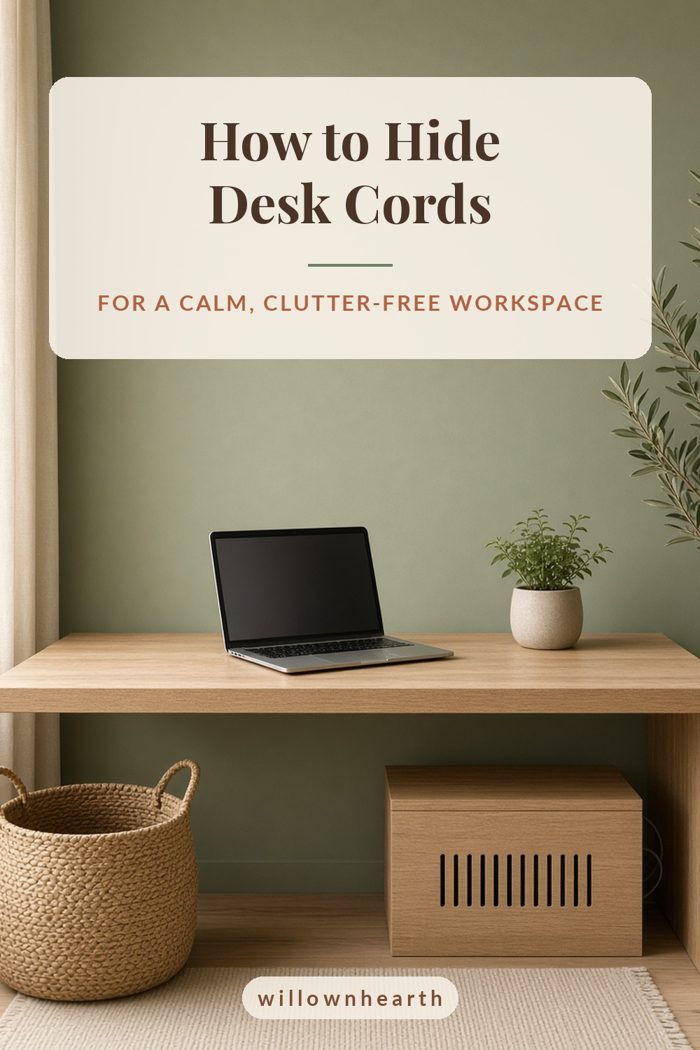
The power strip is usually the messiest part of the whole setup, a nest of plugs and adapters sitting on the floor. A cable management box hides the power strip and the excess cord inside a neat, closed container, with openings for cables to come in and out.
A simple, minimalist cable box looks like a tidy storage piece rather than tech clutter, and it keeps dust off the plugs too.
Tip: leave a little breathing room in the box and don't overload the power strip. Follow the instructions that come with your power strip and cable box.
Step 3: Route cords along the desk, not across the floor
Once the power strip is contained, focus on the path each cable takes. The goal is for cords to travel along hidden edges instead of hanging in the open:
- Adhesive cable clips under the back edge of the desk keep cords running neatly in one line.
- An under-desk cable tray or basket holds excess cord and even the power strip off the floor.
- Velcro ties or reusable cable wraps bundle cords heading in the same direction.
- A cord sleeve or cord cover wraps several cables into one tidy line that runs down a desk leg.
Run cords down the back leg of the desk closest to your outlet so they're hidden from the front view.
Step 4: Cut down cords on the desktop
The fewer cords on top of your desk, the calmer it looks. A few easy swaps:
- Combine devices. A desk lamp with a built-in wireless charger replaces a separate charging pad and cable.
- Lift your monitor. A monitor stand creates a space underneath to hide a laptop dock, hub or charging cables.
- Use a desk mat. A felt desk mat gives you a defined workspace and visually anchors the desk so a stray cable is less noticeable.
Step 5: Use baskets and boxes for the in-between stuff
Not every cord can be hidden permanently. Chargers for headphones, tablets and cameras come and go. Give them a home:
- A lidded box or woven basket on a shelf for chargers you use occasionally
- A small desk organizer for the one or two cables you use daily
- A drawer divider so each cable has its own spot
Woven baskets and wood boxes keep the look warm and cozy rather than techy.
Step 6: Hide what's left with styling
Sometimes a cord simply has to be visible, like the one running to a floor lamp. Disguise it with smart styling:
- Place a plant or a stack of books in front of an outlet
- Choose cords in a color close to your wall or desk
- Run a cord behind a curtain or along a baseboard
- Let a throw blanket drape naturally over the chair to soften the area
Common cable management mistakes to avoid
- Buying gadgets before decluttering. Get rid of unused cords first.
- Bundling everything too tightly. Leave a little slack so you can move your monitor or laptop.
- Forgetting about access. Make sure you can still reach the power switch and unplug things easily.
- Overloading outlets. Hiding a power strip doesn't make it safe to overload it.
A 15-minute cord-hiding checklist
- Unplug and remove unused cords
- Label the remaining plugs
- Put the power strip in a cable box
- Clip cords along the back of the desk
- Bundle cords down one desk leg
- Give occasional chargers a basket
A calm desk, a calmer mind
Hiding desk cords is one of those small projects that makes a surprisingly big difference. When the cables disappear, your eye lands on the things you love: the warm lamp, the plant, the mug of coffee. Spend one afternoon on cable management and enjoy a calmer workspace every day after. Next up, make it extra cozy with our small WFH corner ideas.